



Welcome to the Office of International Affairs
The Office of International Affairs (OIA) develops and advances initiatives that support the University of Colorado Denver's vision as a leading public university with a global reputation for excellence in learning, research, and creativity, community engagement, and clinical care. OIA partners with the university’s schools/colleges and with other university offices to align international student recruitment efforts and services, support academic programs, foster global educational partnerships, facilitate research collaborations and create global learning opportunities.
Explore
New Opportunities Await
Life in Colorado
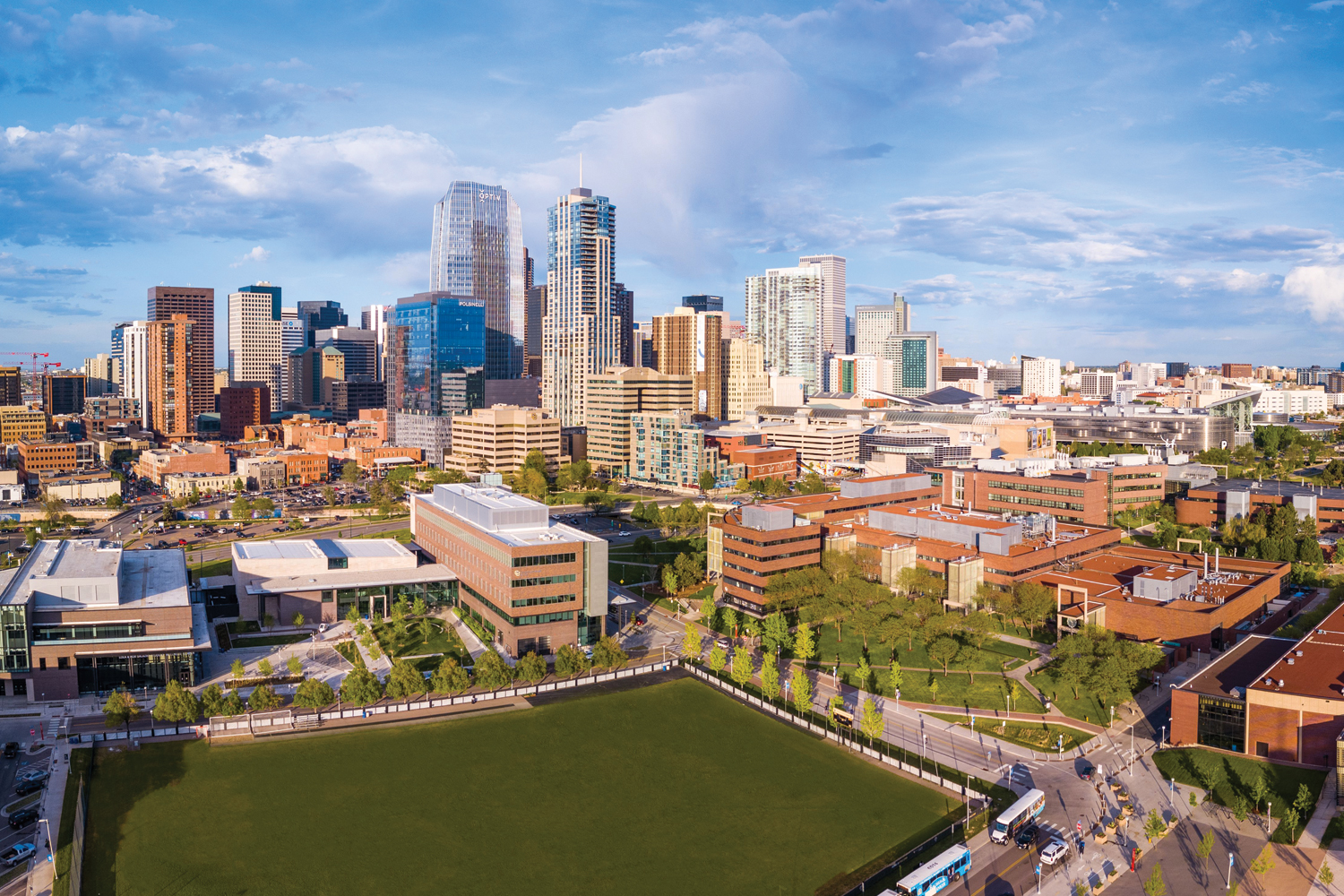
Experience the breathtaking beauty of the Rocky Mountains, the largest public park system in the U.S., and 300+ days of sunshine each year. For international students and scholars from around the world, Colorado is their ideal home away from home – the perfect destination for studies, research, and employment opportunities.
Explore Transportation, Housing, and More
CU Denver
International Newsroom
Stories, Updates, & Accoloades
International-Related Stories from the University
Videos
Envision your future
International College Beijing
See Description
Published Jul 26, 2012
ICB is a joint education program between the University of Colorado Denver (CU Denver) in Denver, Colorado, USA, and China Agricultural University (CAU) in Beijing, People's Republic of China. This partnership, formed in 1994, was one of the first of its kind approved by the Chinese Ministry of Education. ICB is accredited by the North Central Association of Colleges and Schools in the U.S. and maintains a reputation as a challenging, robust academic program.
ICB is a joint education program between the University of Colorado Denver (CU Denver) in Denver, Colorado, USA, and China Agricultural University (CAU) in Beijing, People's Republic of China. This partnership, formed in 1994, was one of the first of its kind approved by the Chinese Ministry of Education. ICB is accredited by the North Central Association of Colleges and Schools in the U.S. and maintains a reputation as a challenging, robust academic program.
The English as a Second Language Academy
See Description
Published Mar 3, 2014
English as a Second Language (ESL) Academy at the University of Colorado Denver: enter a new world of academic, cultural, and career opportunities. This ESL Academy prepares you in not only English language fluency, it also supports your complete success as a University of Colorado Denver student.
English as a Second Language (ESL) Academy at the University of Colorado Denver: enter a new world of academic, cultural, and career opportunities. This ESL Academy prepares you in not only English language fluency, it also supports your complete success as a University of Colorado Denver student.
Study Abroad
See Description
Published Oct 19, 2016
The CU Denver Office of Global Education is committed to providing every University of Colorado Denver student a wide range of engaging and affordable international study, research and clinical opportunities to help you globalize your academic and professional future.
The CU Denver Office of Global Education is committed to providing every University of Colorado Denver student a wide range of engaging and affordable international study, research and clinical opportunities to help you globalize your academic and professional future.
Study Here
See Description
Published May 14, 2012
International students from 130 countries benefit from opportunities for freshman scholarships, on-campus employment, and 57 STEM-OPT eligible programs. Whether you’re interested in 3-D graphics and animation, urban design, business, engineering, pre-med, pharmacy, or a degree you’ve customized from one of the university’s 150+ undergraduate or graduate degree choices, your educational experience will be supported through outstanding student services.
International students from 130 countries benefit from opportunities for freshman scholarships, on-campus employment, and 57 STEM-OPT eligible programs. Whether you’re interested in 3-D graphics and animation, urban design, business, engineering, pre-med, pharmacy, or a degree you’ve customized from one of the university’s 150+ undergraduate or graduate degree choices, your educational experience will be supported through outstanding student services.


Office of International Affairs
CU Denver
Lawrence Street Center
1380 Lawrence Street
Denver, CO 80204
CU Anschutz
Fitzsimons Building
13001 East 17th Place
Ground Floor: STE. EG305, EG305A, and EG306
Aurora, CO 80045
CMS Login